A lyric video is the words of a song appearing on screen in time with the music. The usual way to make one is to export your song, upload it to a website, type the lyrics in again, and drag every line around until it fits. There is a quicker way, and it happens inside the music software you wrote the song in.
What makes a lyric video good
One thing matters more than everything else. The words have to change at the moment they are sung. Half a second late and the whole thing feels broken, even to someone who could not tell you why.
After that there are three rules, and they are all about being readable.
- One line on screen at a time. Two if the lines are short.
- Big text. Almost everyone watches on a phone, and a phone is small.
- Calm background. If something is flying around behind the words, nobody reads the words.
That is the whole craft. Fonts, colours and effects change how it looks. Timing decides whether anyone watches to the end.
The usual way, and why it is a pain
Capcut, Canva, Kapwing and Veed all do this, and the job is the same in each one:
- Export your song as an MP3 or WAV.
- Upload it and wait.
- Type the lyrics in, or let the app guess them from your vocal.
- Drag every line until it sits where it is sung.
- Export the video, download it, upload it again wherever it is going.
Two things about that are worse than they look. The first is that you already typed those lyrics somewhere. Typing them in again is doing the same work twice, and letting the app guess them off your vocal only sounds like a shortcut. It gets names, slang, ad-libs and anything sitting under the beat wrong, so you go through and fix them by hand anyway.
The second is that you now have your song in two places. One in your music software, one on a website, and neither knows the other exists. Rewrite a line in the second verse and the video is wrong. Change the tempo and every single line is wrong. Each fix means going back and doing the dragging again.
The quicker way: keep it in the song
Your music software already knows when every word happens. Working that out is what you were doing when you recorded the vocal. So instead of rebuilding the timing in a video app, put the words on screen inside the music software and record your screen while the song plays.
Three steps, and none of them involve a video editor.
1. Write your lyrics
This is the part I make, so take the next paragraph with that in mind.
Lyriquee is a plugin. You drop it onto a track in FL Studio, Ableton, Logic or whatever you use, the same way you would drop on a reverb. It does not touch the sound. It gives you a page to write on, and it keeps what you write inside the project file. Open that song again in six months and the words are still sitting there with it.
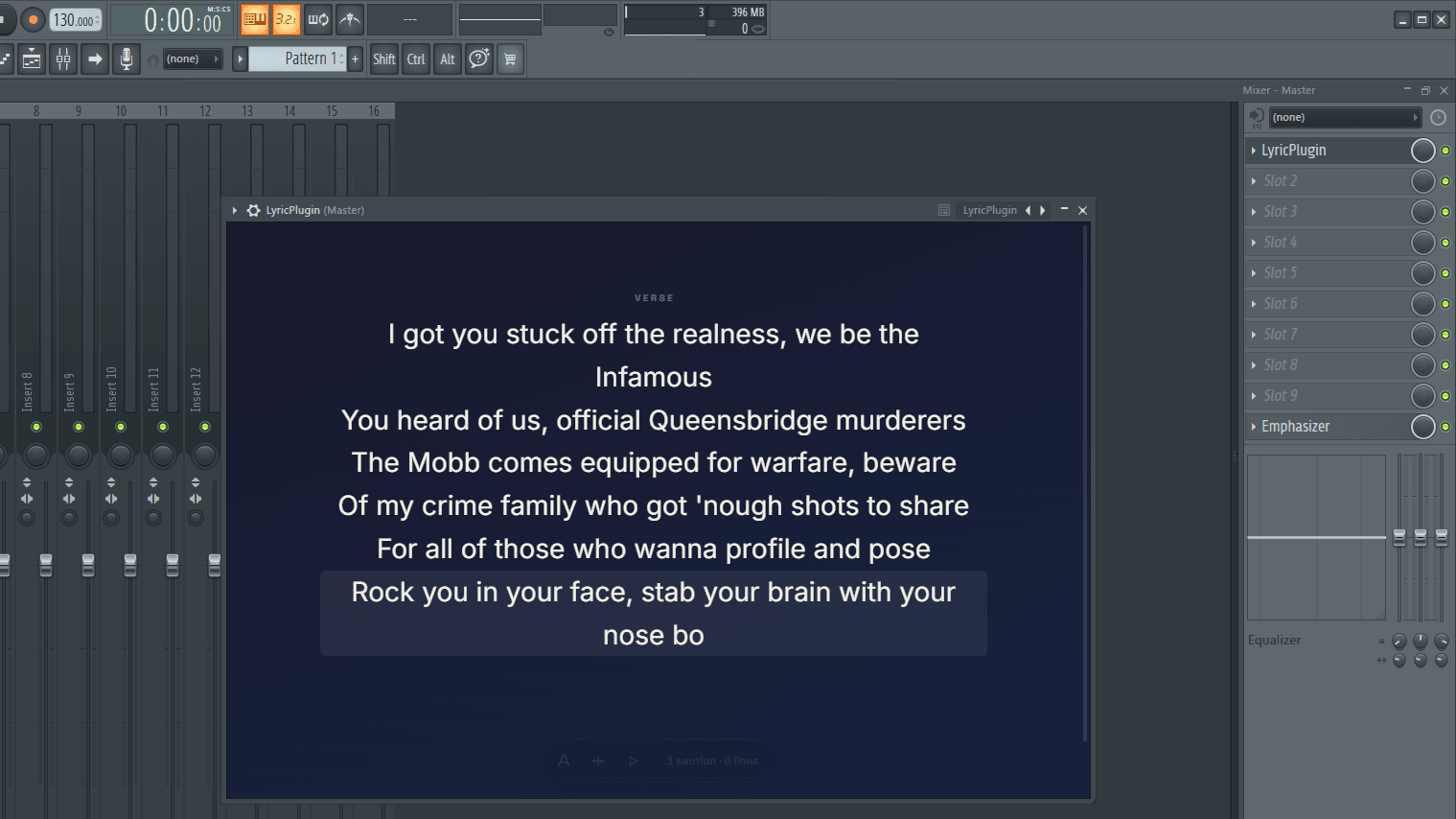
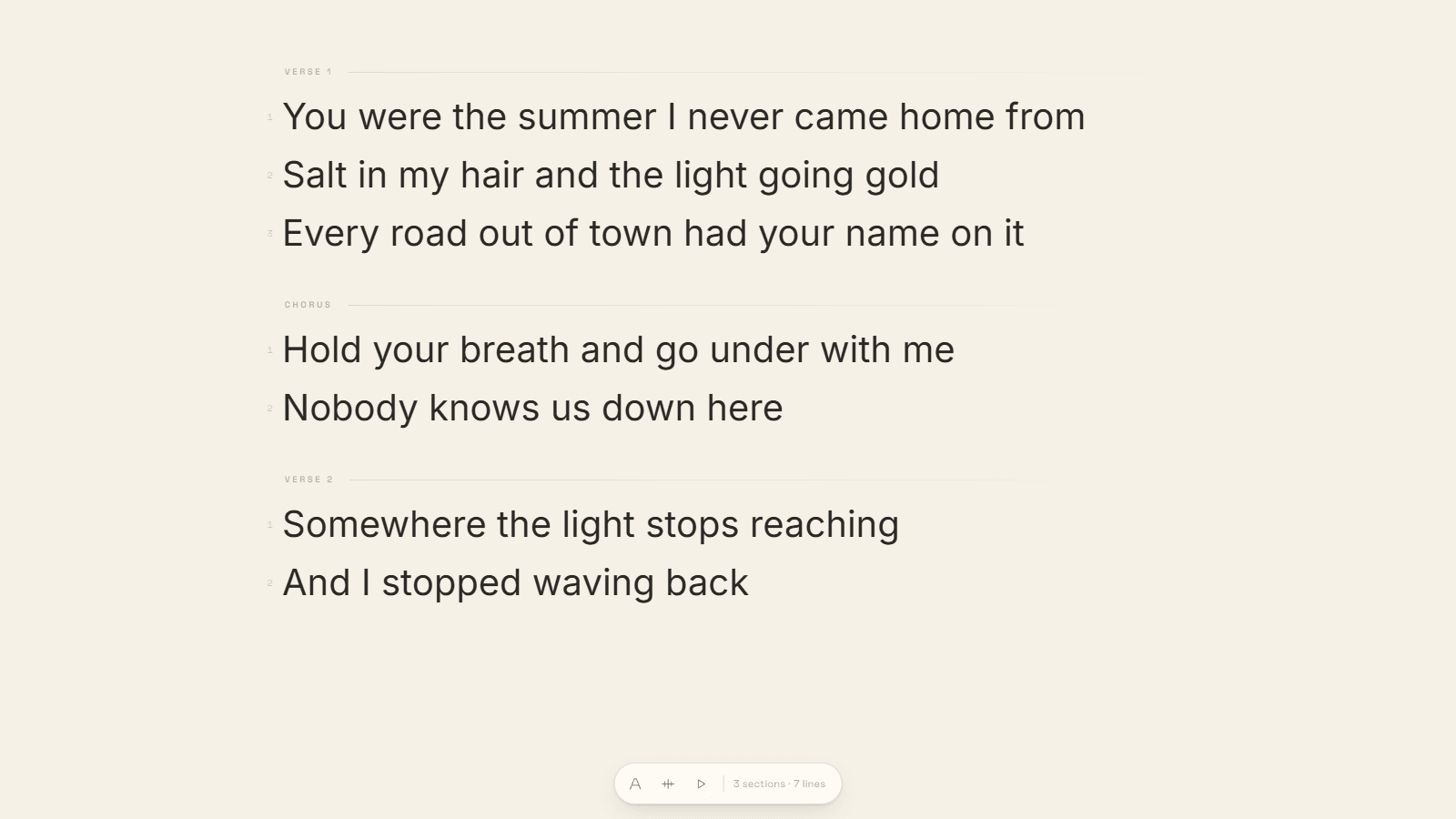
Write straight into it, or paste in what you already have. Blank lines become new sections and a line like [Chorus] on its own becomes a heading, so a copy and paste out of your notes app usually lands already sorted into verses and choruses.
2. Show the lyrics
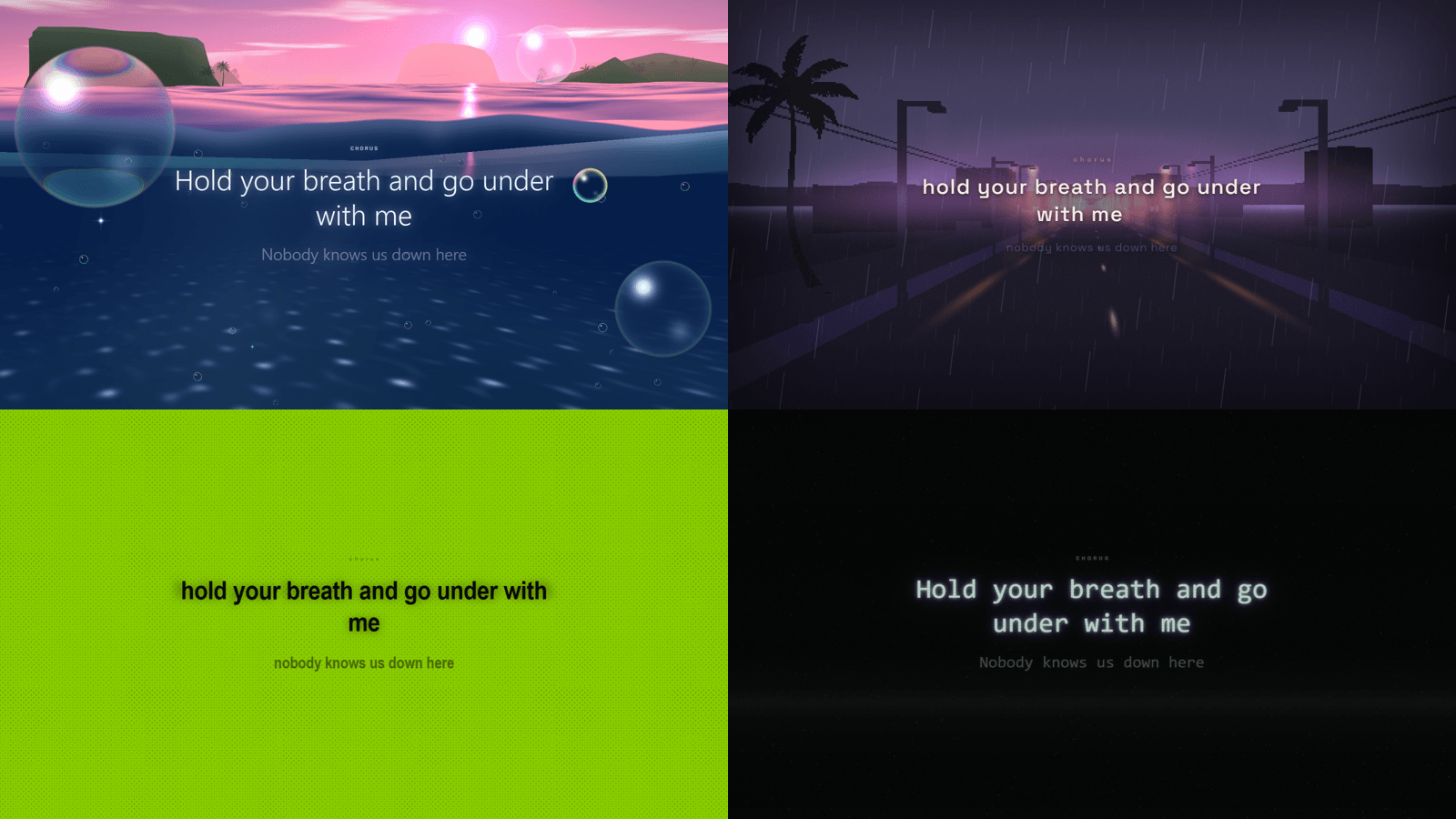
Switch it to full screen and the page turns into the video. Pick a look and press play. Every button, panel and even the mouse pointer disappears, so there is nothing on screen that should not end up in the video.
It needs to know when each line happens, and you tell it with the mouse. Play the song and click at the start of each line as you hear it. One pass through the track and it is timed. That beats typing timestamps into a list, because your hands are listening to the music while you do it, and if a line lands badly you just play that part again and click it again.
3. Record your screen
Use OBS. It is free, it runs on Windows and Mac, and all you do is point it at the window and press record. Play the song from the top. What comes out the other end is your video.
One thing worth deciding first: where it is going. For YouTube, leave the window wide. For TikTok, Reels or Shorts, drag it into a tall shape before you record. The words sit in the middle either way, so you can do a wide one and a tall one off the same timing without redoing anything.
What to actually post
Not the whole song. A three minute lyric video gets watched by people who already like the track, and early on there are not many of those.
Post the best eight bars instead. Start one line before the hook so there is a reason to keep watching, end on the hook, and let it loop. People rewatch a clip that loops cleanly, and rewatches are the cheapest reach you will ever get.
While it is all set up, make three. A different section, a different look, the same timing you already set. The second and third cost you one play through each.
Mistakes worth avoiding
- Lines that show up late. Fix the timing before you fix anything else.
- Four lines on screen at once. One is usually right.
- Thin, small text on a busy background. Watch it back on your own phone before you post it.
- Posting the full song because it is finished. Nobody asked for three minutes.
When you do want a video editor
If you want every word flying in on its own with a camera swooping around, this is not that. That is After Effects, and it is an afternoon of work per section. Worth it for a big single. Not worth it for something you are posting on a Tuesday.
It also helps to give your computer an easy time. Recording the screen and playing a heavy project at once can drop frames, which shows up on moving text. Freeze or bounce whatever you are not listening to, and close the browser first.
Try it on a song you have already finished
Open the last song you got to the end of. Paste the lyrics in, click through them once while it plays, pick a look and record thirty seconds of the chorus. Ten minutes, start to finish, and you will know straight away whether it beats the way you have been doing it.