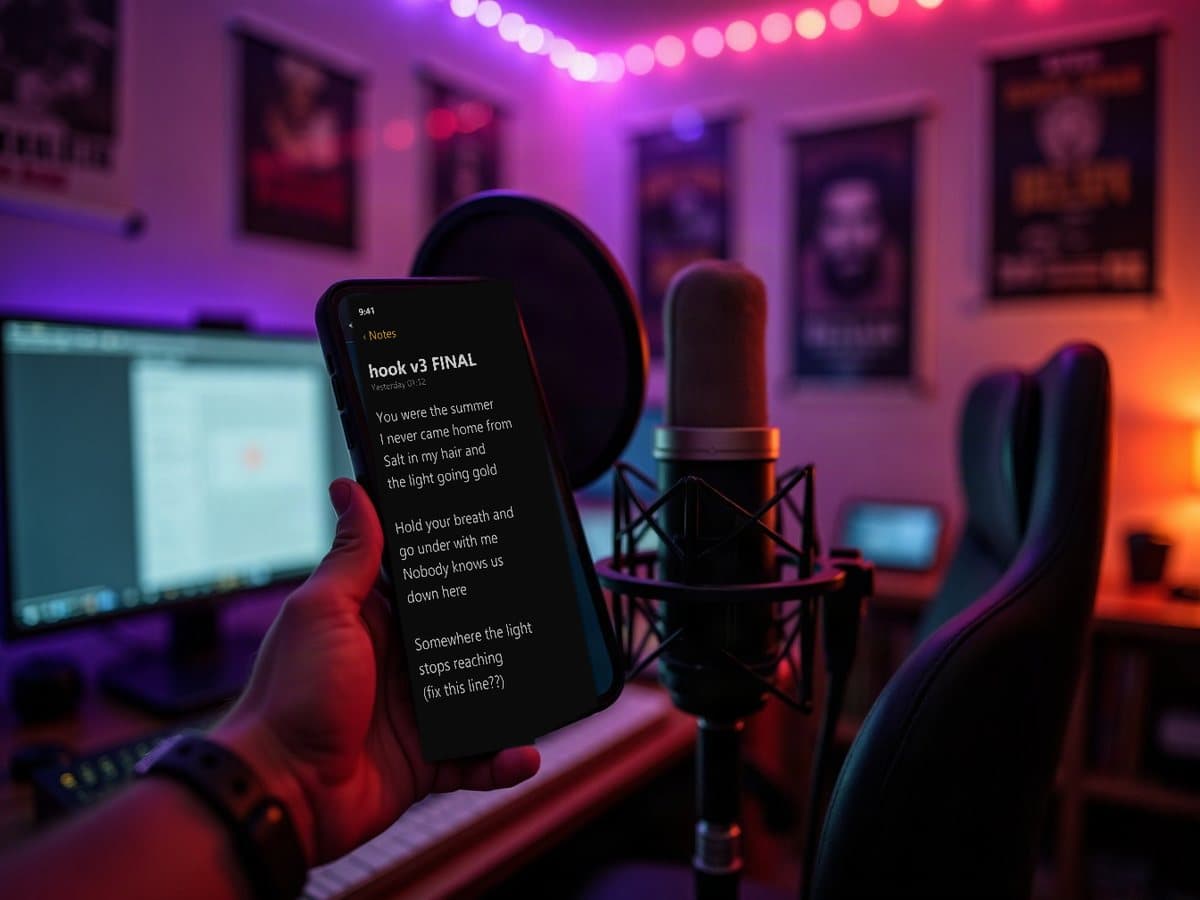
Your lyrics belong on the track. Not in your notes app.
Lyriquee is a plugin that puts your lyrics inside FL Studio, Ableton or any VST3 host. They sync with the song and scroll while you record, so you never look away from the take.
Click a line and start typing.
This is the real editor. Split it into sections, turn on the teleprompter, and never lose your place while recording.
Fits the song, not a template
Pick a font, a theme and a size. Whatever fits the song.
Never lose your place mid-take
Lyrics scroll in sync with the song. Perfect for recording.
Sections in one keystroke
Copy, paste, cut. Type [chorus] on a line and it becomes a section.
Saved in the project, not your phone
Lyrics save inside your project file. Open the session next year and they're still there.
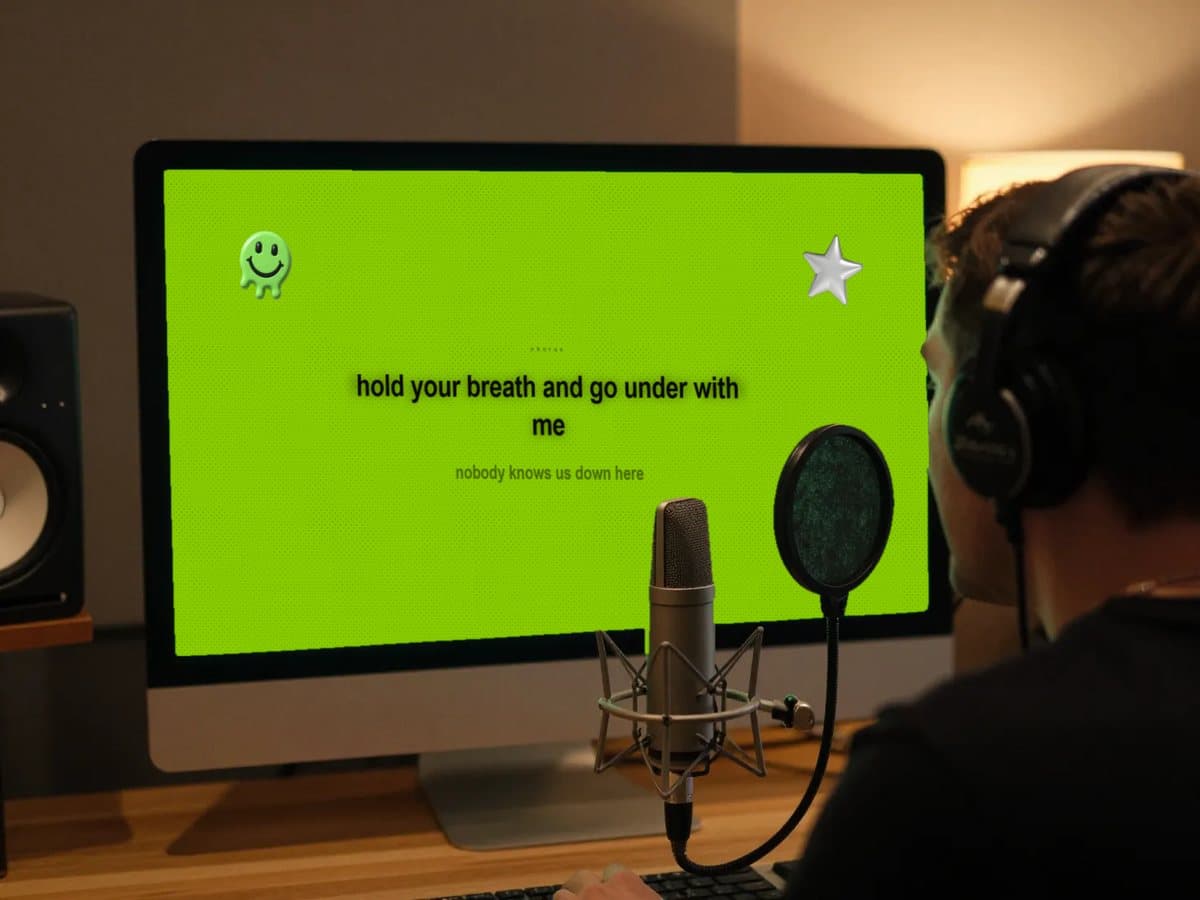
Press Play and the words become the video.
Pick a theme and the plugin turns into a full-screen lyric display that moves with your music. Film it, post it, put it on the booth screen.

A look, not a font
Stop staring at a notepad while you record. Every theme is a full look with its own font, colors and motion.
Tap Space. It's synced.
Play the song and tap Space as each line starts. From then on the lyrics follow your DAW.
Moves on your tempo
Every theme is locked to your tempo. Choruses go bigger, bridges pull back. It always looks like a custom lyric video.
Built to be filmed
Made to be screen recorded, wide or vertical. Every theme survives a 9:16 crop.
Sync once. The timing leaves with you.
Tap the lines in once while the track plays. Every export carries those timestamps, so your captions land in CapCut already timed. No manual subtitling, ever again.
- .txt
Plain lyrics
Section tags stripped. The shape Musixmatch and your distributor ask for.
- .lrc
Synced lyrics
For Poweramp, MusicBee, Plex and Jellyfin. Every line carries its time.
- .srt
Captions
Drop straight into CapCut, Premiere or YouTube, already timed.
Same song. Different session.
Here is the session most of us run, and the one Lyriquee replaces it with.


- Writing
- BeforeThe words are in Notes. The beat is in FL. You flip between them, and the verse you sang is never quite the one you saved.
- With LyriqueeWrite on the track. The lyrics save inside the project, so the song and the words are one file. Open it next month and they are still there.
- Recording
- BeforePhone on the mic stand. The screen dims halfway through the verse, so you wake it and lose your line. Blank on the hook and the take is gone.
- With LyriqueePress Play and the words follow the song. The current line is centred, the next one is already under it. Eyes up, not down at your hand.
- Posting
- BeforeType the lyrics again in CapCut and drag every caption into place by ear.
- With LyriqueeYou tapped the timing in while recording. Export it, or record the display and post.
Bedroom, booth, or feed.
ArtistsWrite it where you hear it.
Lyrics save in the session, you pick a theme, and you sing it back with confidence. Never lost.
Recording studiosFewer takes.
The vocalist reads the booth screen instead of a sheet, you see where you are in the song, and the lyrics stay with the project when the client comes back.
Content creatorsYour lyric video, in one take.
Open the display, screen record, post. Every theme is built to survive a 9:16 crop, so the clip from your DAW is the clip you upload.
Before you close the tab.
- Which DAWs does it work in?
- Any DAW that loads VST3 plugins: FL Studio, Ableton Live, Studio One, Reaper, Cubase, Bitwig and the rest. There is also a Standalone app for writing away from a session.
- Does it touch my audio?
- No. Drop it on any track and the audio passes through unchanged. The plugin only listens to the signal to drive the visuals.
- Is there a Mac version?
- It's coming. Join the waitlist, pick macOS, and you're the first to hear when it ships.
- What will it cost?
- Less than a synth. Beta testers pay nothing, ever, and the waitlist hears the launch price before anyone else.
- Where do my lyrics live?
- Inside the DAW project, with the session. Open it next year and they're still there. Export them as .txt, .lrc or .srt whenever you like.
- Does it need an account or a connection?
- No. There is no login and nothing leaves your machine. It works on a laptop in a basement with the wifi off.
Write it where you record it.
Lyrics that live in your session, sync with the song, and leave with the file.